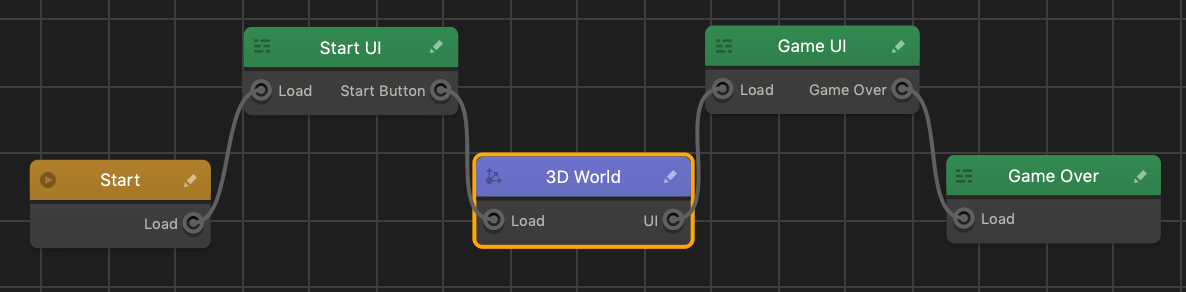
When your game ends, a
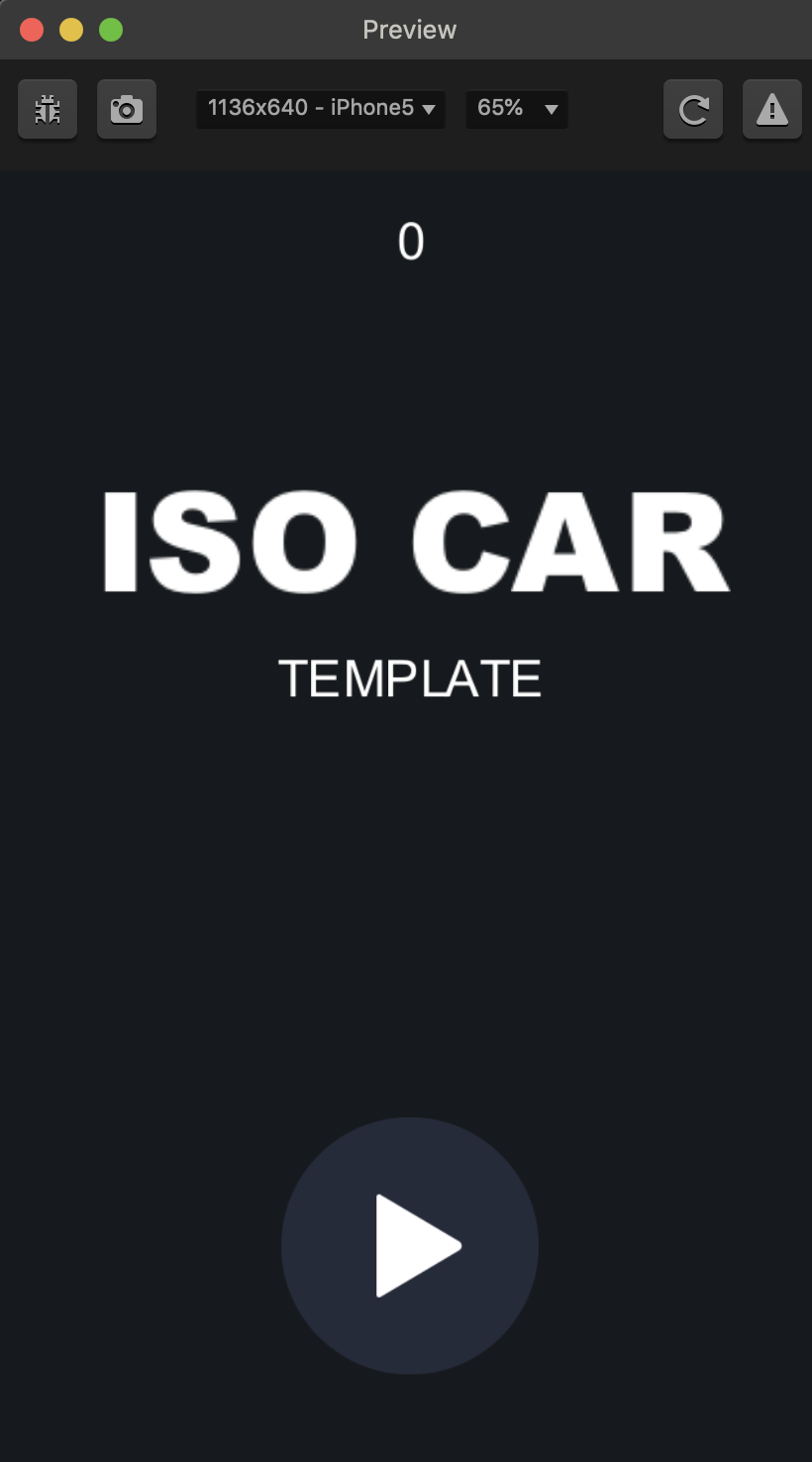
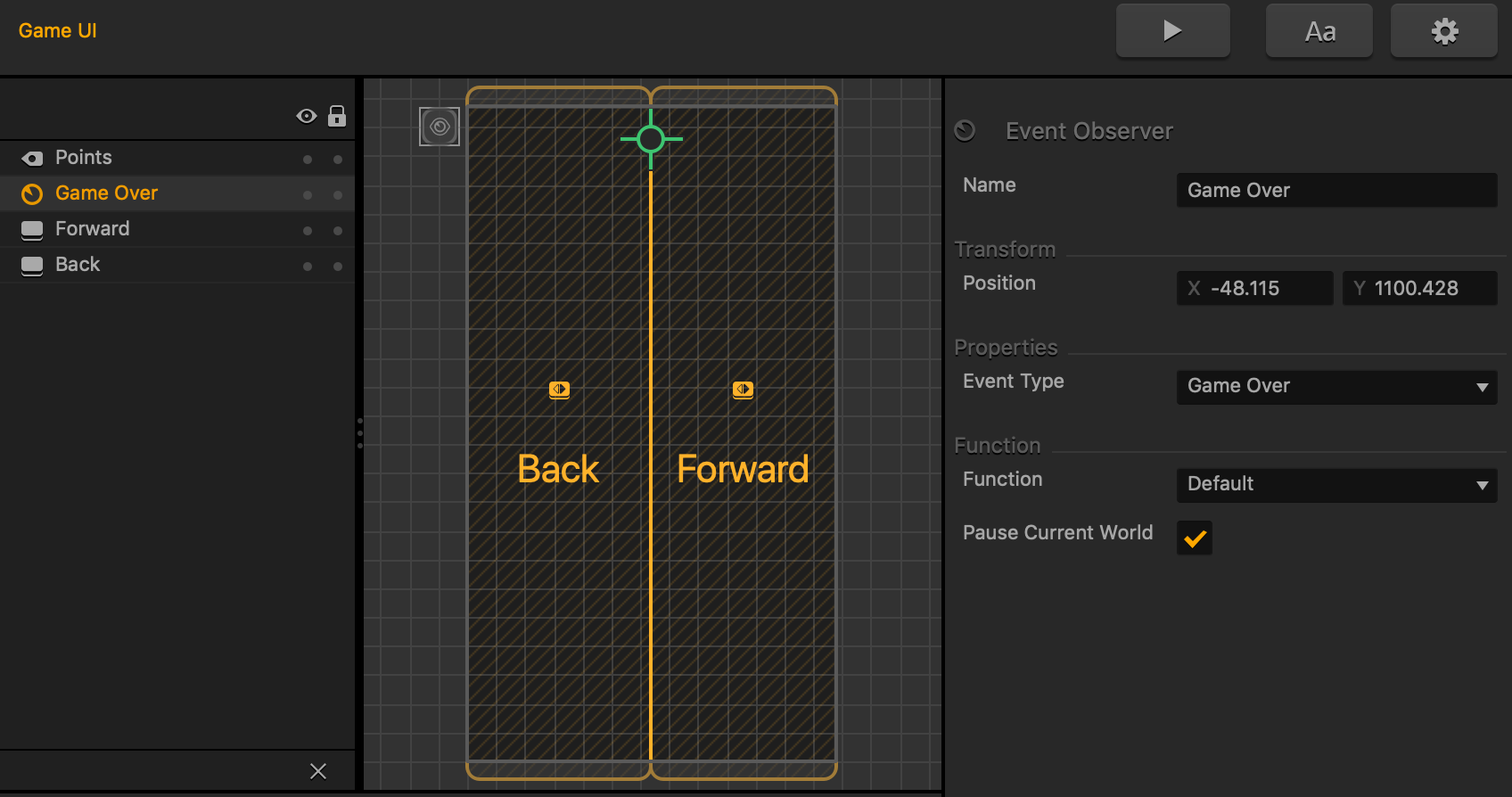
Game Over UI screen appears. It is represented by
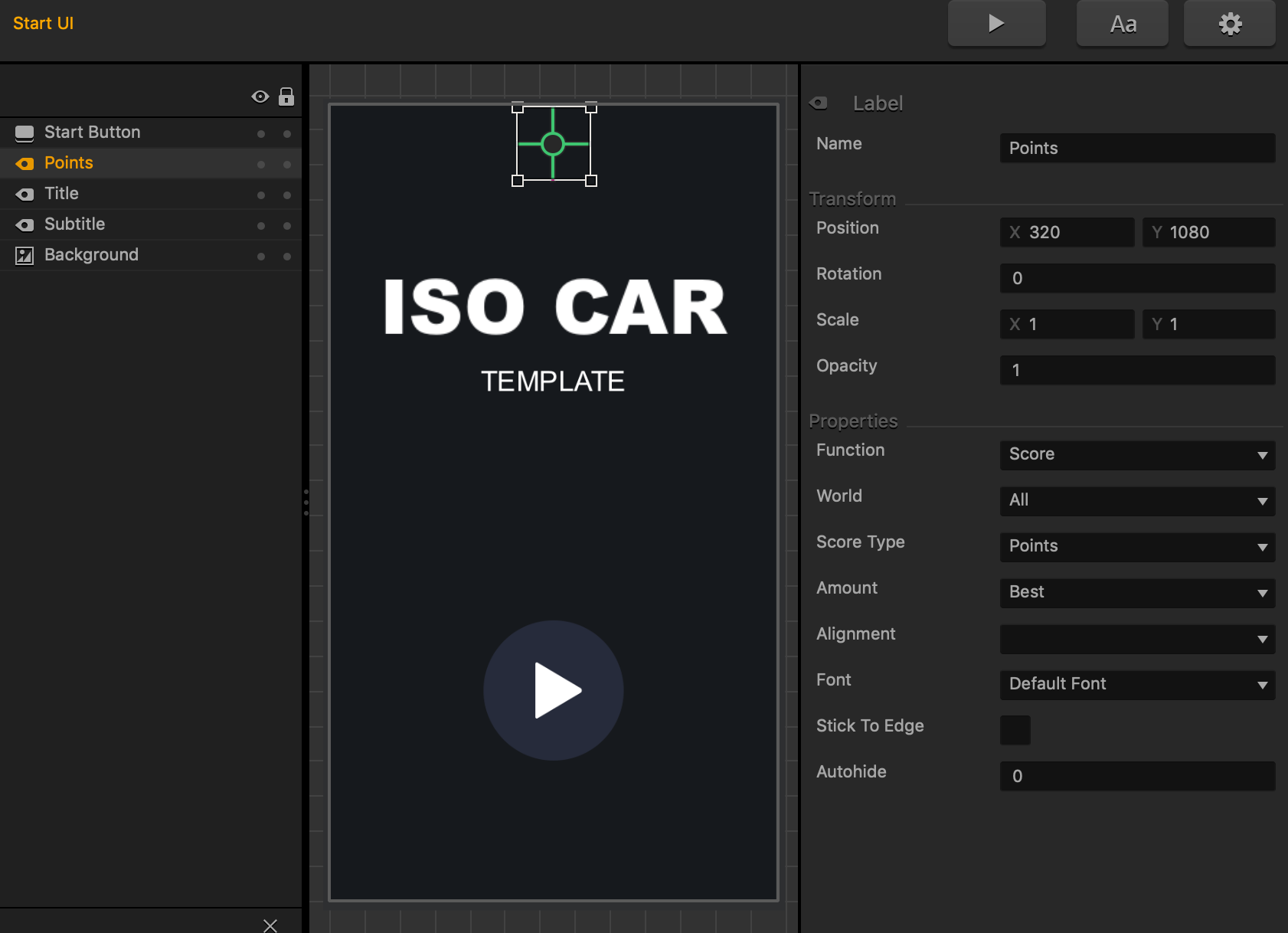
Game Over UI node on the Mind Map, which is very similar to the Start UI node.
The outcome of the game is also determined by the
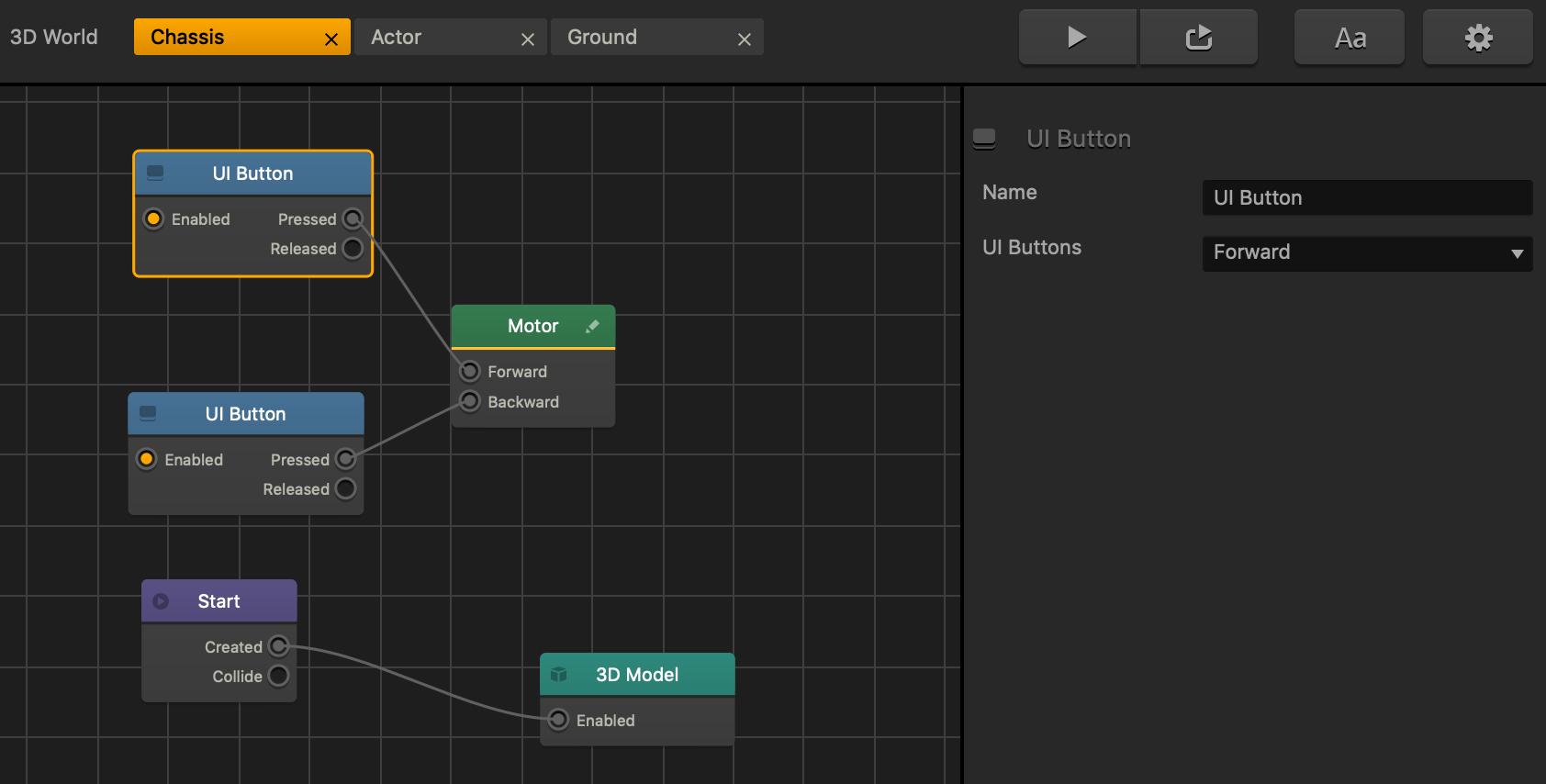
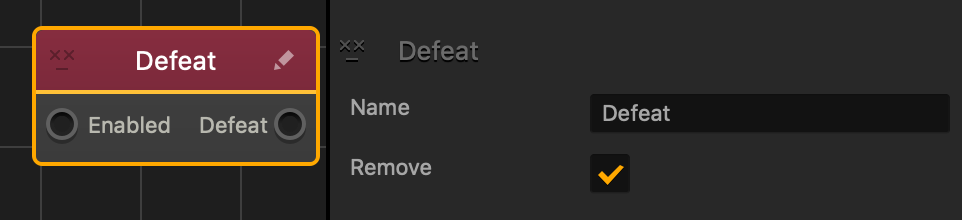
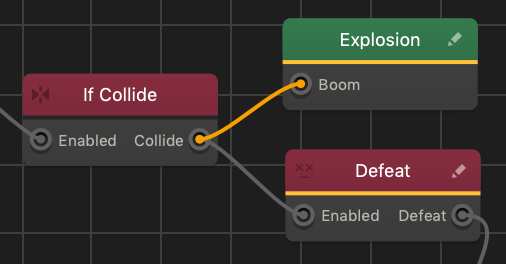
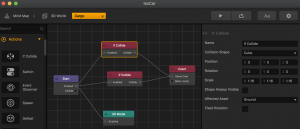
Action nodes, such as If Collide, Health, and Defeat that are typically added to the game assets in their Node Maps, typically to the Actor character.
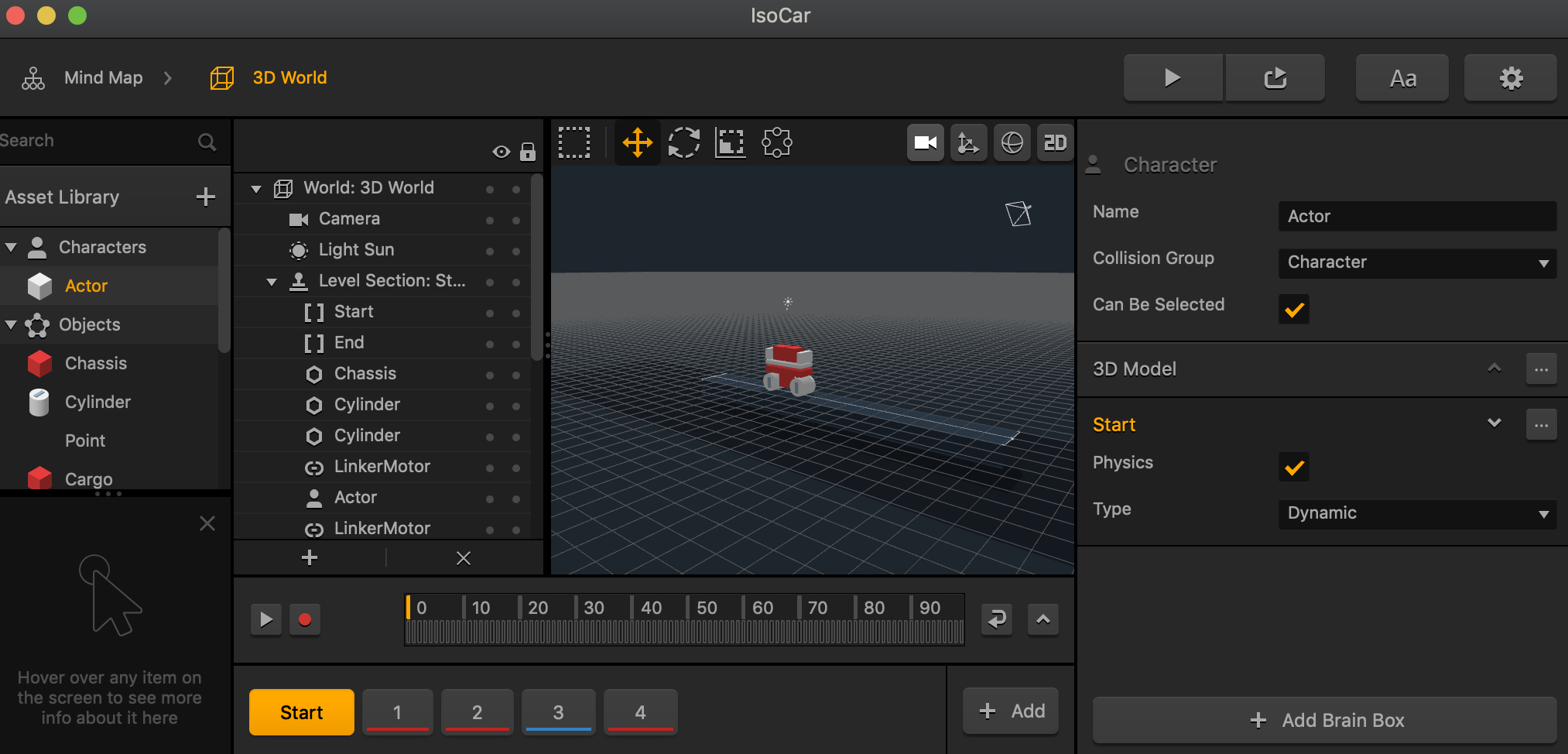
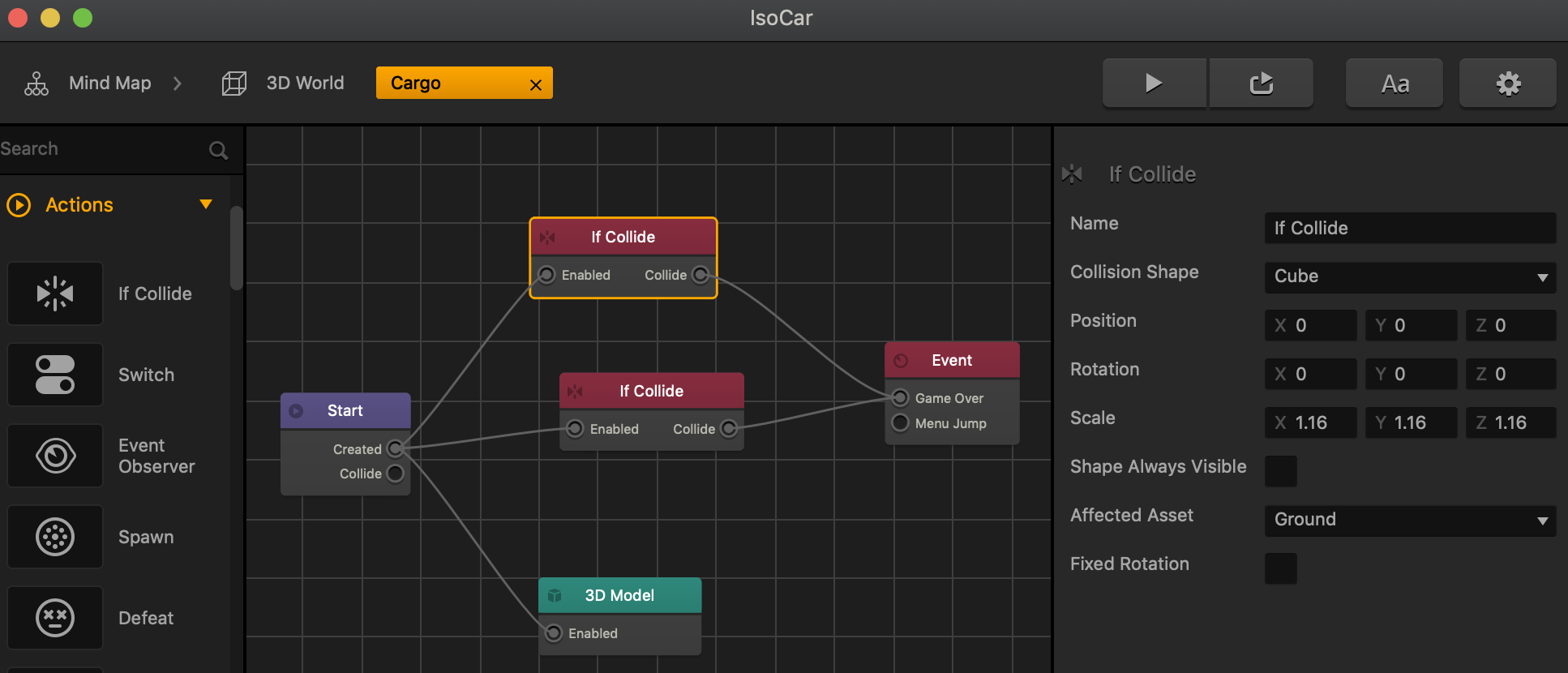
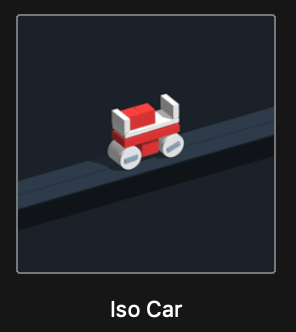
For example, in the Iso Car template, go to the Mind Map, double-click the 3D World node, then in the Asset panel double-click the
Cargo asset and check the
Affected Asset attributes in the Options panel of its
If Collide nodes that are connected to the
Game Over Event node.





 button.