Keyboard Controls Brainbox
This advanced platformer Brainbox allows the player to move an Animated Platformer asset with the W, A, S, D and arrow keys on their keyboard.
This Brainbox requires the Animated Platformer Brainbox.
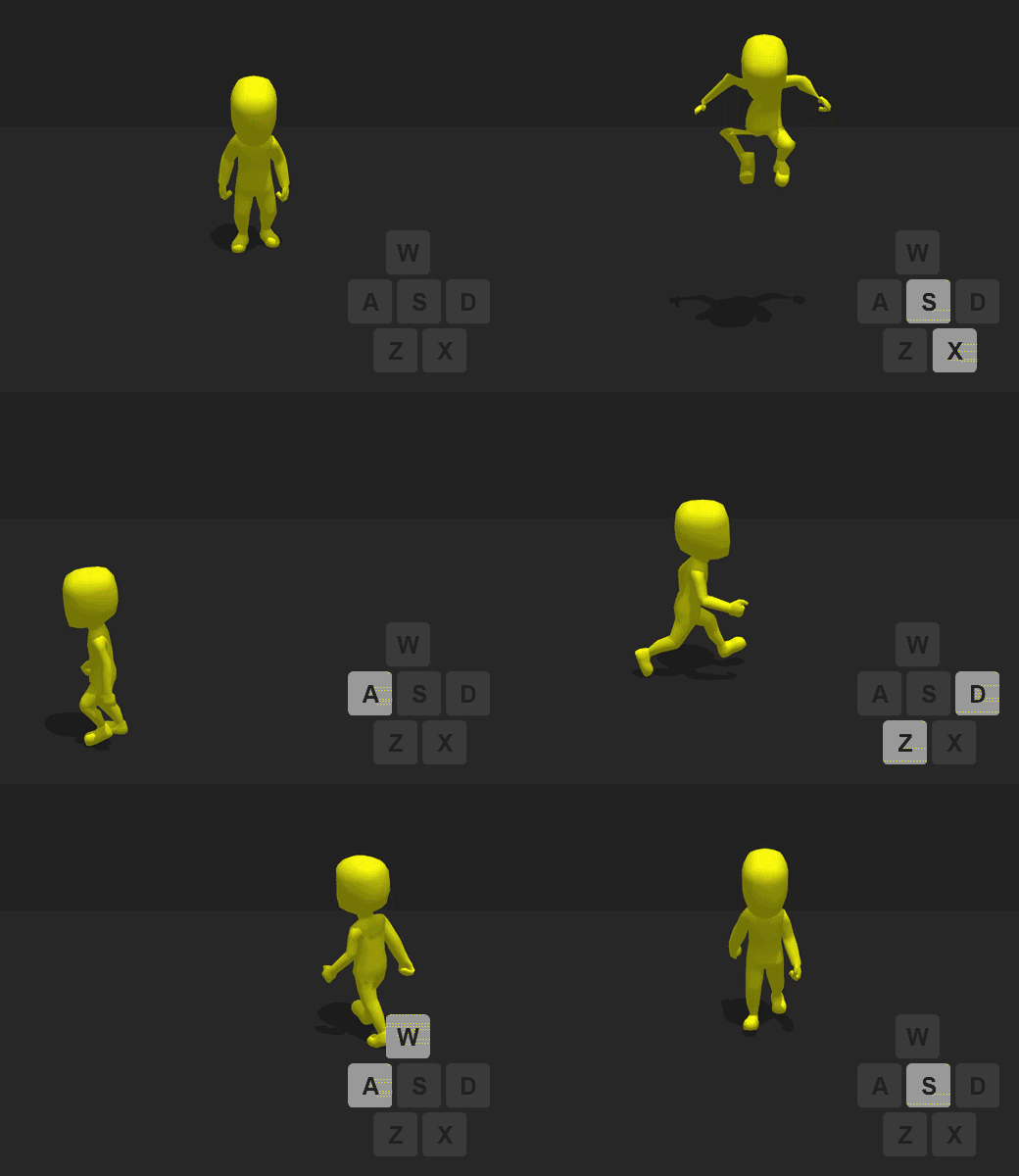
To move the asset across the scene in a given direction, the player needs to press and hold the following keys:
| Keyboard Button | Movement Direction |
| W, Up Arrow | Forward |
| A, Left Arrow | Left |
| S, Down, Arrow | Backward |
| D, Right Arrow | Right |
Brainbox Attributes
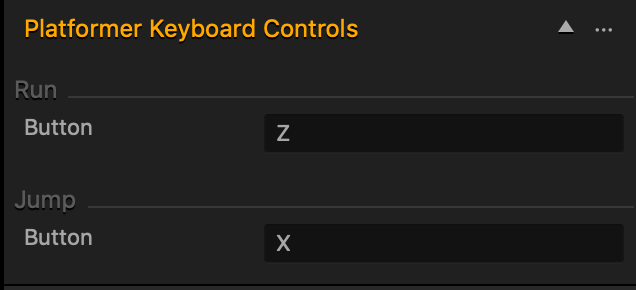
This Brainbox contains two additional controls that allow the player to make the asset:
- Run—increases the movement speed of the asset when the player presses and holds this button.
- Jump—makes the asset ascend along the Y axis before being affected by gravity and falling.
| Attribute | Description |
| Button |
|
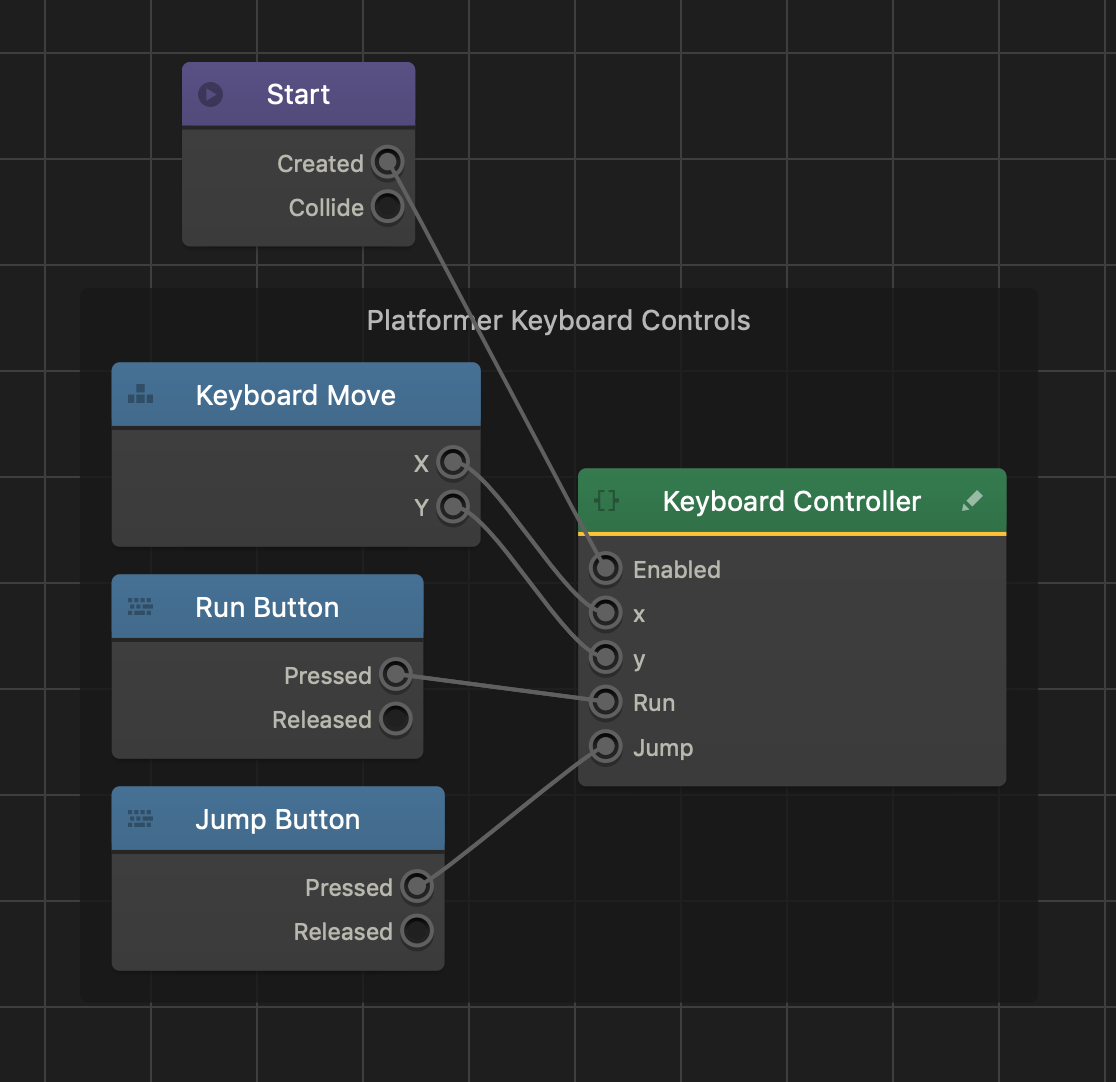
Brainbox Node Group
After you add this Brainbox to an asset, a custom Keyboard Controller node appears in the node map along with three Keyboard Button nodes.