
UI Button Node
This control node allows the player to click or tap a specified area on the screen. For details, see Add a Control Button in the UI.

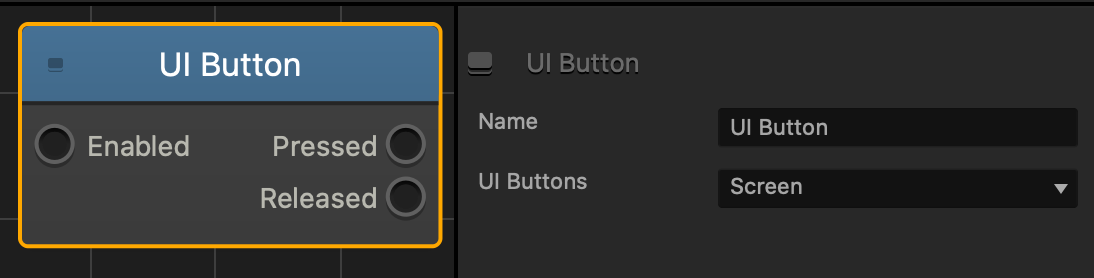
| Option | Description |
| Name | Type a custom name for this node, if needed. |
| UI Buttons | To Specify where the user clicks or taps to make the asset change direction, click the drop-down list and choose an option.
|
If needed, you can also customize this node. For details, see Customizing Nodes.


