
Set Color Node
This action node applies a color overlay to an asset that has a 3D Model node or an Animation Node.

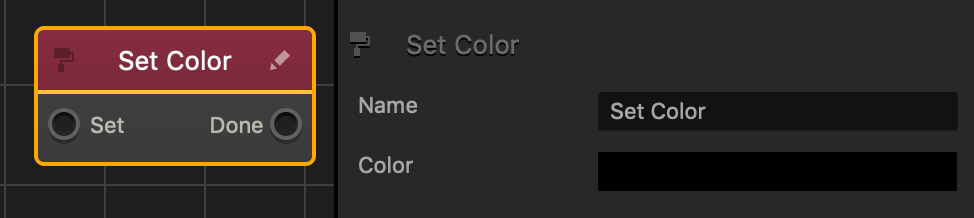
| Option | Description |
| Name | Type a custom name for this node, if needed. |
| Color | Click the field, and in the Colors window, select a color and click OK. |
If needed, you can also customize this node. For details, see Customizing Nodes.


