
Is Touched Node
This control node activates at the precise moment when the user clicks the screen with a mouse or touches the screen with a finger.

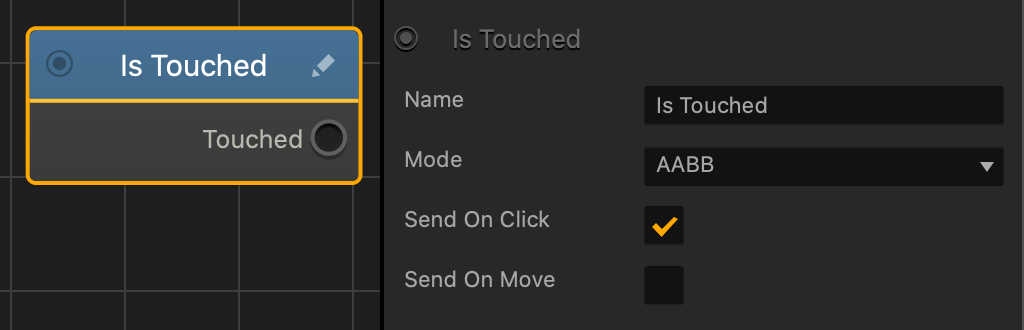
| Option | Description |
| Name | Type a custom name for this node, if needed. |
| Mode |
|
| Send On Click | Select to allow the player to click or tap the asset. |
| Send On Move | Select to allow the player to drag across the screen and over the asset. |
If needed, you can also customize this node. For details, see Customizing Nodes.


