
Every developer gets excited about their new game idea, but without a playable prototype, it’s easy to spend weeks polishing art or building features only to realize the game itself isn’t fun. Prototyping keeps you focused on what matters most, testing the core idea, so you can find out early if it’s worth turning into a full game.
With Buildbox, you can create a playable prototype in hours instead of weeks to help you finish your game without burning out.
In this guide you’ll learn why prototyping matters, how to uncover the heart of your game, and how to use Buildbox to get a working version ready fast.
Why Prototyping Matters in Game Design
Prototyping is like a safety net in game design. It gives you the chance to test your idea before committing time and energy to building out features, levels, or art. Think of it like sketching an outline before writing a novel, you want to make sure the structure holds before you polish the details.
Creating a game prototype reveals whether your idea is actually fun. If the simplest version of your game doesn’t feel good to play, no amount of polish will save it. Prototyping also prevents wasted effort because it’s far easier to make changes early on. And perhaps most importantly, it keeps you motivated. Seeing a rough but playable version of your idea quickly gives you the confidence and momentum to keep going.
Finding the Core Loop in Your Game Idea
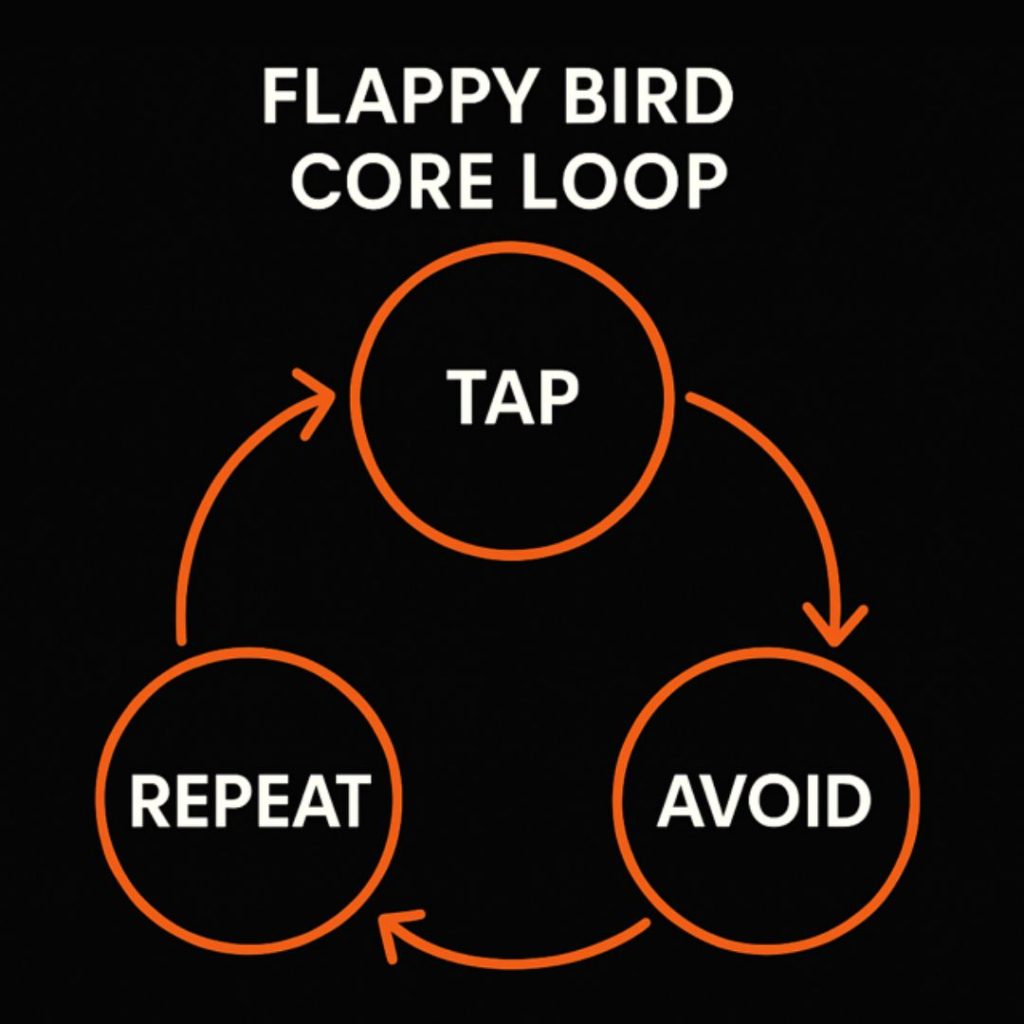
Every good game prototype starts with a core loop. The core loop is the repeating cycle of actions that drives the game forward and keeps players engaged. It’s the heartbeat of your design.
Think about Flappy Bird. The loop is simple: tap to flap, avoid pipes, and repeat. Endless runners use a similar loop of running, dodging, and collecting. Puzzle games follow the cycle of solving a challenge, getting a reward, and moving on to the next.
To uncover your own core loop, ask yourself: what action will players do most often? Why will they want to repeat it? And how can you test it with the simplest setup possible? Once you find that answer, focus only on making that loop fun. Don’t get distracted by menus, art, or extra features yet. If the loop isn’t engaging, the rest won’t matter.
How to Prototype a Game Fast With Buildbox
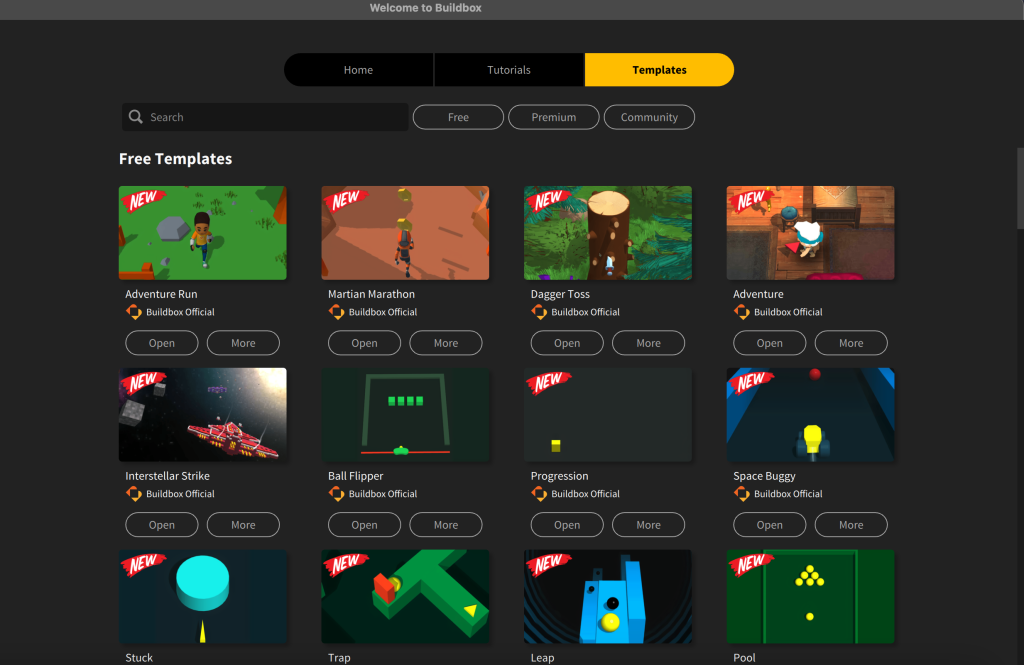
This is where Buildbox makes life easier. You don’t need coding knowledge or complex systems, just drag, drop, and play. Start by choosing a Buildbox template. Templates for popular genres like runners, shooters, and platformers give you a working foundation so you can focus on testing mechanics instead of starting from scratch.
All Buildbox templates feature built-in placeholders. A square can be your character, a circle can be an enemy, and rectangles can be platforms. Placeholders are perfect for prototyping because you’re testing mechanics, not showcasing final art.
As you build, playtest constantly. With Buildbox, you can hit play at any time to see how your game feels. This rapid iteration makes prototyping fast and helps you refine the fun without overthinking it.
Finally, when your playable prototype feels solid, share it with others. Export it to Buildbox World to test on your phone or send it to friends. Watching someone else play is one of the best ways to spot issues you didn’t notice yourself, like confusing controls or uneven difficulty.
When to Move From Prototype to Full Development
A prototype isn’t the end goal, it’s a stepping stone. But how do you know when your game prototype has done its job?
The answer is simple: if the loop feels fun even with placeholder graphics, you’re ready to move forward. If you or your testers keep saying “just one more try,” the idea has potential. And if the game runs reliably without breaking, you can clearly see how to expand it into a full release with art, levels, and progression.
Once you hit this stage, it’s time to step out of prototyping and into development. That’s when you can focus on visuals, sound, level design, and polish.
Test Early, Build Smarter
Prototyping is the fastest way to turn a rough idea into a playable prototype that proves whether your game concept is worth building. By starting with the core loop, using game prototyping tools like Buildbox, and testing often, you’ll save time, avoid wasted effort, and stay motivated.
The sooner you create a game prototype, the sooner you’ll know if your idea can grow into a finished game. With Buildbox, you don’t have to wait, you can start testing today.
Ready to build your first playable prototype?
Download Buildbox Today!


