
Create Your Universe.
Easily make amazing levels
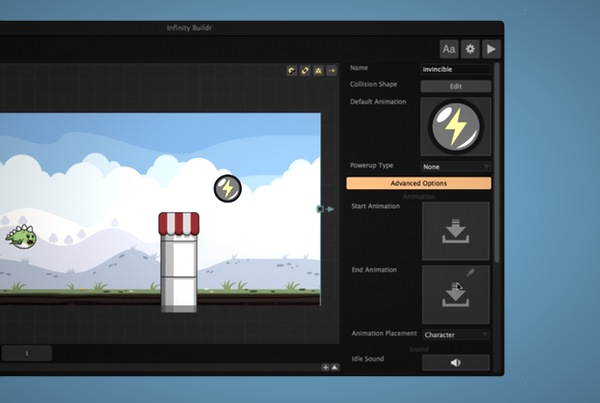
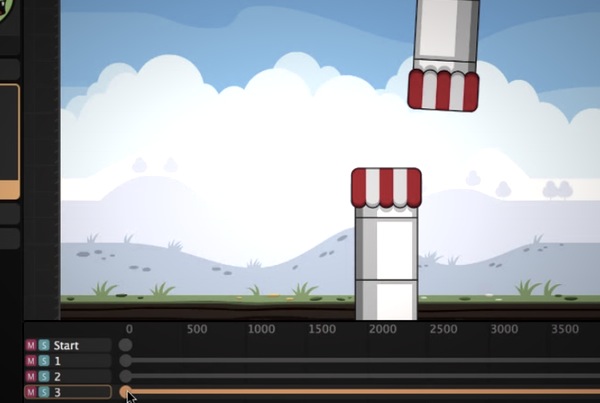
The key factor to a great level editor is workflow. To create something really amazing, you need to be able to move fluidly and work in an environment that pushes creativity. That’s exactly what we’ve done with Buildbox’s scene editor.
In Buildbox, scenes are levels that you can use in two different ways. First you can create in-depth levels that play in order like you might find in space shooters or platformer style games, then you also have the option of creating simple levels that are played in random order for endless games.
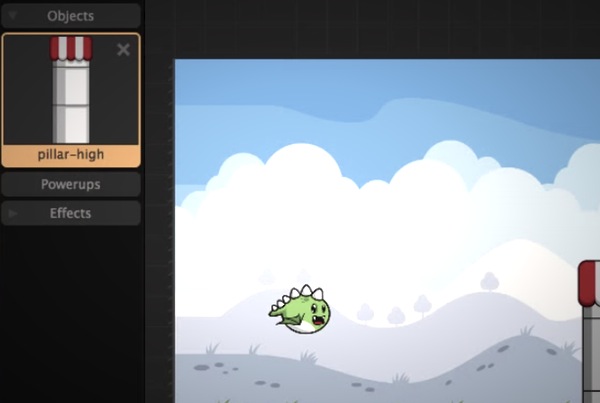
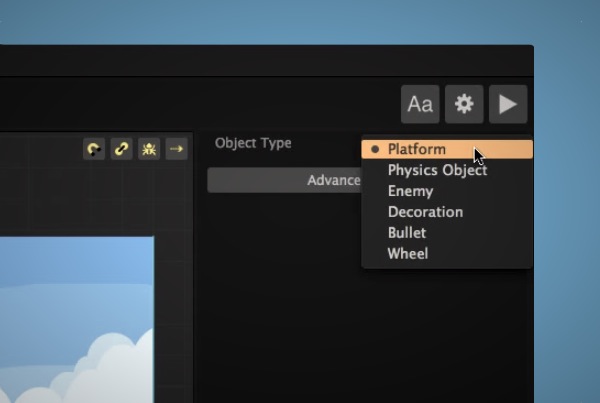
Drag an image inside the scene editor and you can easily tell Buildbox if it’s a platform, enemy, decoration, movable physics object, wheel or bullet.
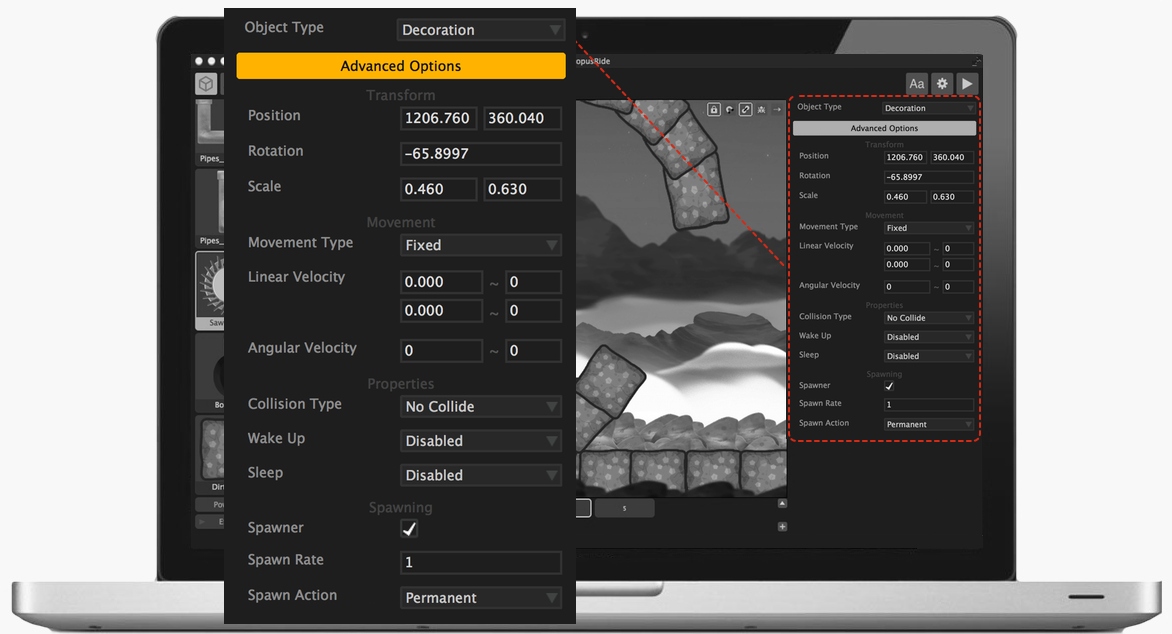
Advanced options galore
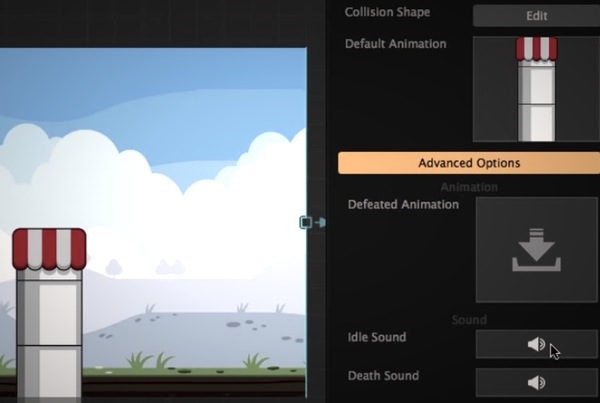
Once you dive into the advanced options in the scene editor, you’ll notice every object has a wide variation of properties you can change.
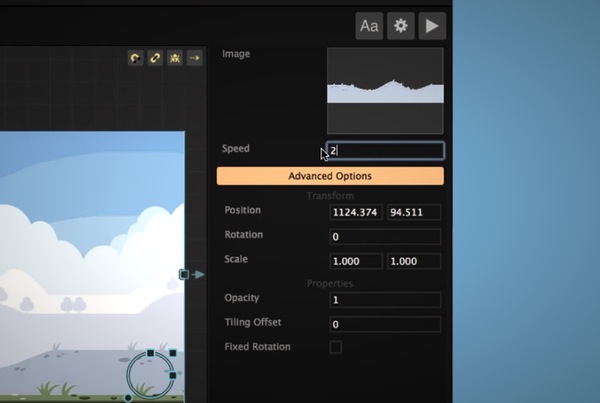
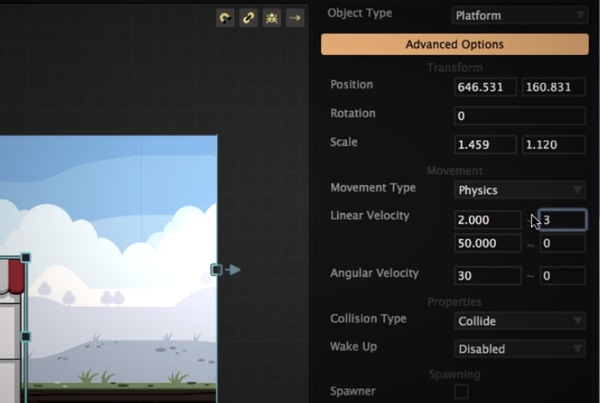
Any object, regardless if it’s an enemy, platform or even decoration, can be set to move automatically. You can choose a linear velocity and make the object move left, right, up and down, or angular velocity to make it move in a circular motion.
With this set of features it’s easy to make enemies move, platforms rotate or boxes fall from the sky. To take it a step further, you can decide when this object will “wake up” and start to move. You can have it only start moving when a character collides with the object or wait until the character reaches a certain distance. With Buildbox you can have hundreds of objects on screen following their own set paths while interacting with your character.
The deep view
Buildbox includes all the developer tools you’ll need to not only make games, but make outstanding games.
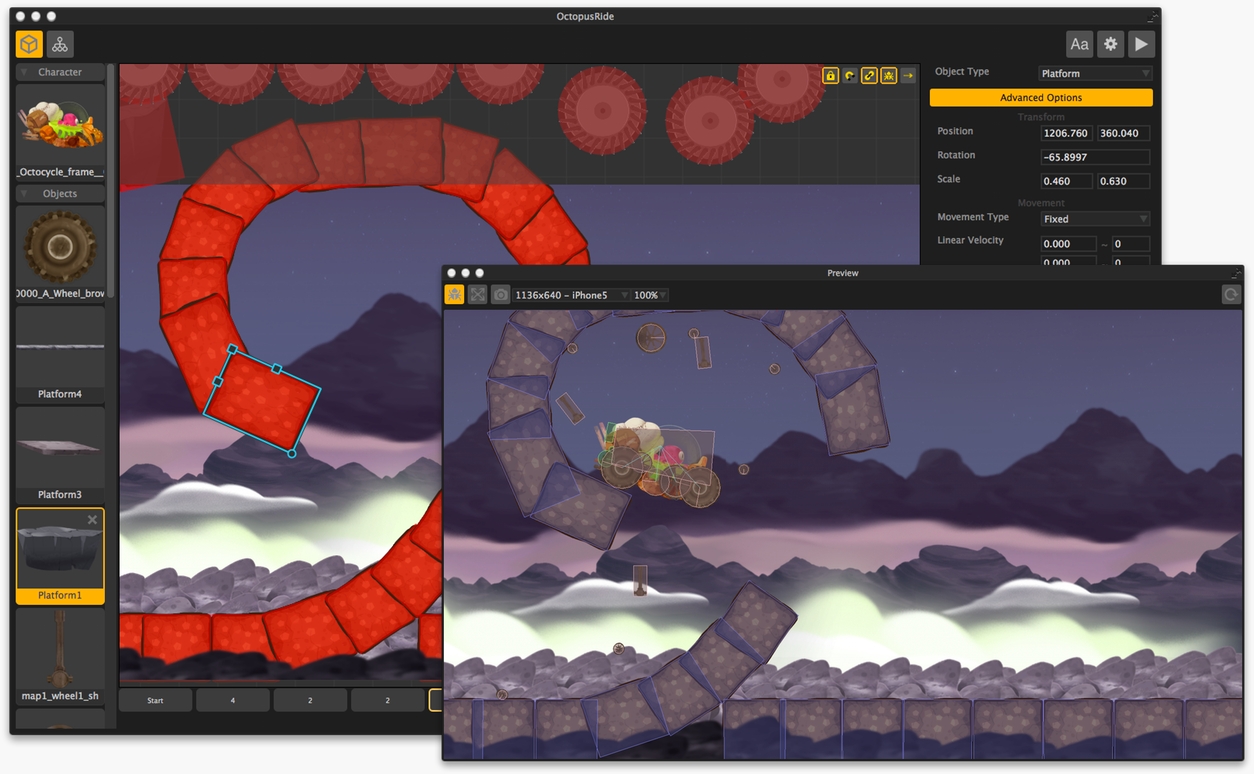
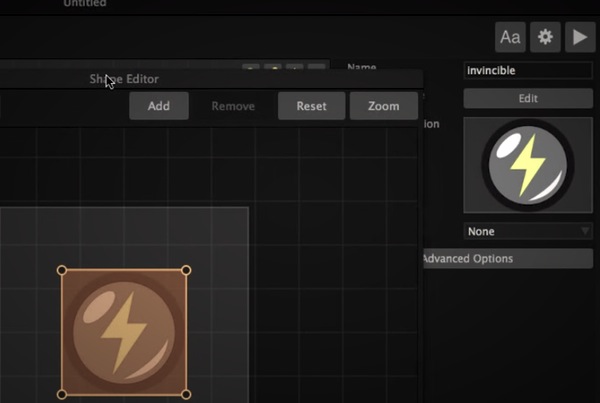
By clicking a small bug icon on the Scene Editor, you’ll open up the debug view and be able see all of the collision shapes of your objects. This collision view allows you to see the skeleton of your game. Using this view you’ll be able to easily make sure your gameplay is smooth and there are no unnecessary bumps or transitions your player might endure while playing.
With Buildbox you also get a live preview that shows your final game in real time. Make a change in Buildbox and you’ll instantly see what it will look like to the player. We’ve brought the debug view over to your live preview as well so you can easily trouble shoot an area where your character might get stuck.
Find out how easy it is to monetize your games:Show Me

New To Games?
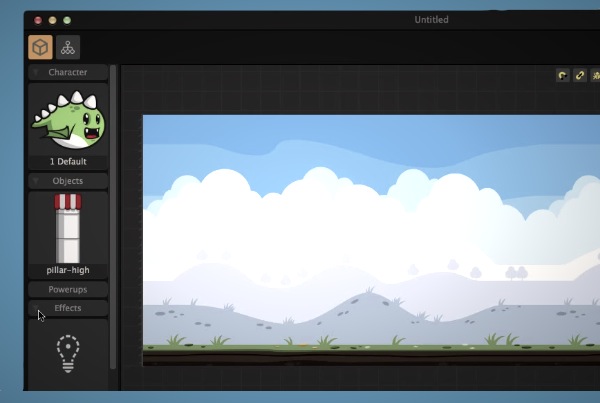
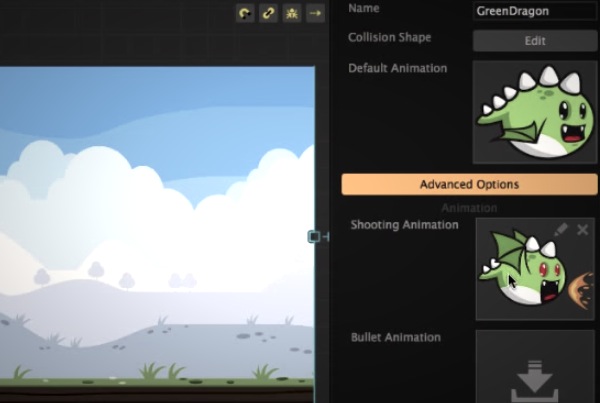
With Buildbox, it doesn’t matter how new you are to the game business. This software was created with every level in mind. Our customers range from total newbies to 10 million+ download business owners. If you are new, there is no better way to get started. Our tutorial sections were created with the new user in mind and the software truly works for every person at every level.
A Complete Training Course
Buildbox is more than a piece of software, it’s a vibrant community we want you to be a part of. When you purchase Buildbox, you get access to our customer-only forums, and in these private forums, you’ll find people sharing launch techniques, showing off their games and even creating video tutorials for new tricks they figure out in Buildbox.
Everything You Need
Ready to launch a new app business tonight? When you download our demo, you’re also automatically enrolled into the Game Business Challenge. This free 14 day training program is taught by our founder who has over 35,000,000 downloads in his personal game business. You’ll learn everything from coming up with solid game ideas to level design and more.


