Below you will find tutorial videos for the majority of features in Buildbox 2.  Check back as we will be adding videos on a consistent basis. We also have Buildbox 1 tutorial videos available if you are using the previous release.

Buildbox Tutorial Videos
Rewarded Video Ad

How to Publish to Google Play

In this tutorial, you will learn how to take your Buildbox games and publish them on Android in the Google Play Store!
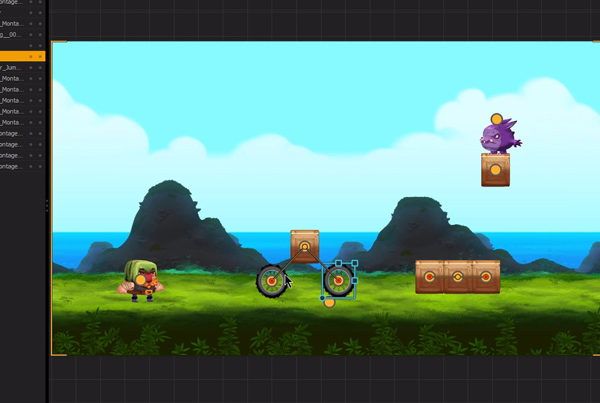
How to Publish to the App Store

In this tutorial, you will learn how to take your Buildbox games and publish them on iOS in the Apple App Store!

Creating the Basics

In this first lesson, a lot of information will be covered to provide you with a solid foundation to work with. We’ll explain exactly what Buildbox is and how you can use it to build your own game without using a single line of code.

Collision Shapes and Object Settings

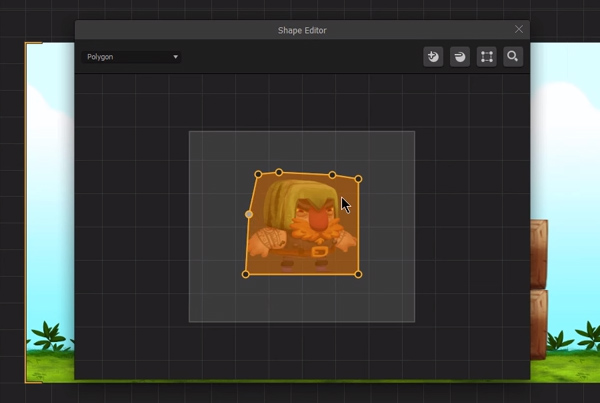
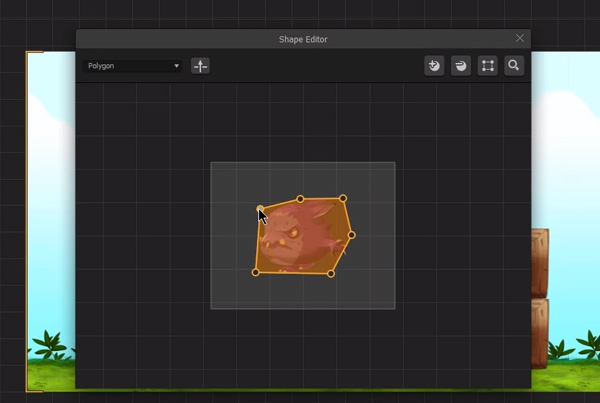
In this course we’ll explain what collision shapes are and how they affect your game’s gameplay. You’ll learn how to use the options available in the collision shape editor to resize, add points, and reset an image.

Build Your First Levels

In this hands-on tutorial, you’ll get to watch and follow along with the instructor as you build the first game level in ‘GLTCH’ together. There’s a bonus time-lapse segment that quickly shows 10 more levels being built. Pay attention and watch closely to learn how to effectively build out levels.

Making it Unique

In this fourth video of the ‘Make Your Own Game’ series, you’ll learn how to make a game that’s truly unique. We’ll go beyond graphics and explore game characters and the way they interact.

Actions, Effects, and Logic

We’ll cover how to import coins for players to collect, how to add a coin tracker to your game’s UI, invincibility power-ups and the use of path logic pieces. You’ll also learn how to add beautiful light effects and particle effects in creative ways to make your game look really professional.

Animated Menus and Game Sounds

In this lesson we’ll cover how to not only animate the menu sections like the game title or start button, but how to load music into your game and trigger specific sound and animation effects. You’ll learn new ways to integrate sound and music throughout your game.

Make Multiple Game Modes

In this lesson you’ll learn how to make a game with multiple game modes for your players to choose from. Watch and learn how to make an exciting turbo mode and a hard mode all within Buildbox.

Coin Shop and Multiple Characters

You’ll learn how to add character purchasing features to your shop, and we’ll explain the various character settings available further as well. The lesson will also teach you how to add unlock buttons to each item or character for advanced monetization later down the line.

Exporting

You’ll learn how to get your game ready for export and all the necessary information you need to fill out to get your app up and running in your chosen platform’s marketplace.

Tips, Tricks, and Hacks

We’ll share some essential game design principles like elegance and tips that you can use to make your own game appear more minimal, yet sleek. You’ll also learn the most important rule you need to follow in order to make your game publisher ready and much more.

Buildbox Fundamentals

Welcome to Buildbox Classic! In this tutorial we will go over all of the fundamentals of developing video games with Buildbox Classic. After watching this video, you should feel comfortable moving on to the Make Your Own Game tutorial series.

Polishing your Game

In this last video, you’ll learn a clever tip to get your collision shapes precise. We’ll show you how to give your character an exploding death, so it looks like he shatters into tiny little versions of itself.

Develop Like A Pro – Buildbox Tip #1

Develop Like A Pro – Buildbox Tip #2

Develop Like A Pro – Buildbox Tip #3 – Cool User Interface Animations

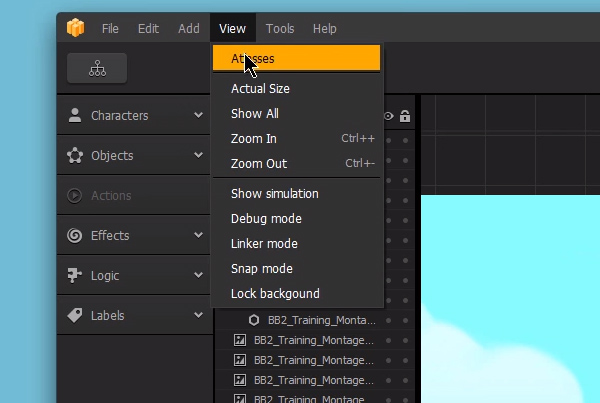
Develop Like A Pro – Buildbox Tip #4 – Atlases & Convert To Clones

4 Mobile Video Game Design Tips For Publishing

Cool User Interface Animation – Opacity Changes

4 Ways to Make Money With Mobile Games

Easy Game Dev Tricks

Cool Game Dev Effects

Quick Game Development

5 Quick Animation Tricks For Buildbox

5 Cool Level Design Tricks For Games

Top 10 Ways To Come Up With Game Ideas

How To Make A Space Shooter Video Game #1

How To Make A Space Shooter Video Game #2

How To Make A Space Shooter Video Game #3

How To Make A Space Shooter Video Game #4

How To Make A Space Shooter Video Game #5

How To Make A Space Shooter Video Game #6

How To Make A Space Shooter Video Game #7 – Boss Battle

How To Make A Countdown For Your Video Game

How to Gradually Speed Up Your Game

How to Set Up Multiple Character Selection

How To Make A Speed Boost For Your Character

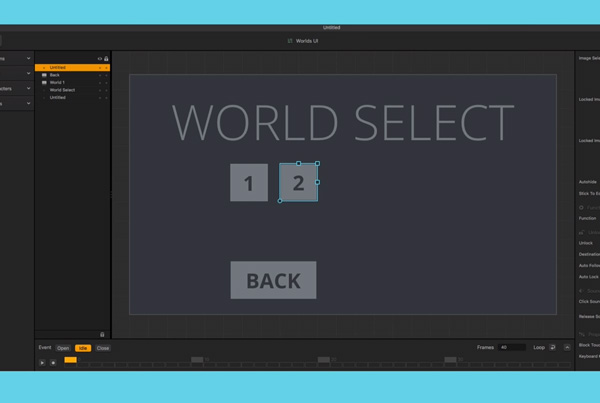
How To Create Multiple Worlds and Lock Worlds

How to Make Back and Forth Character Movement

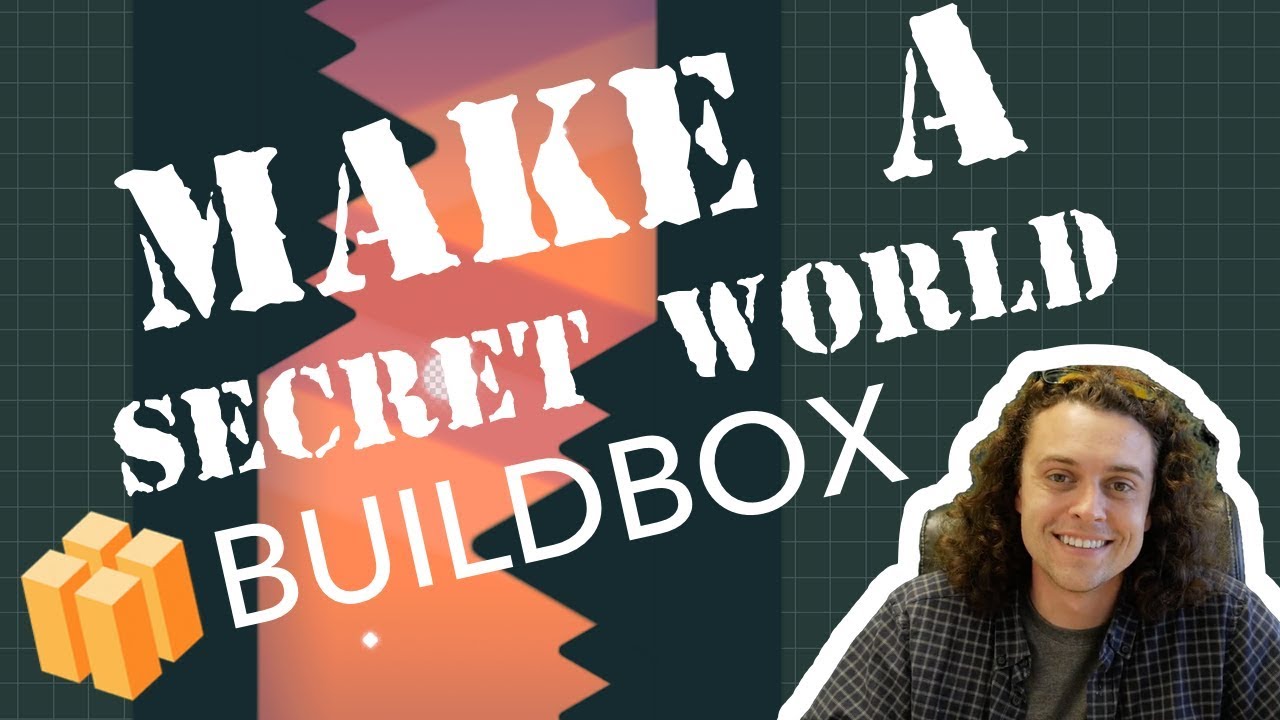
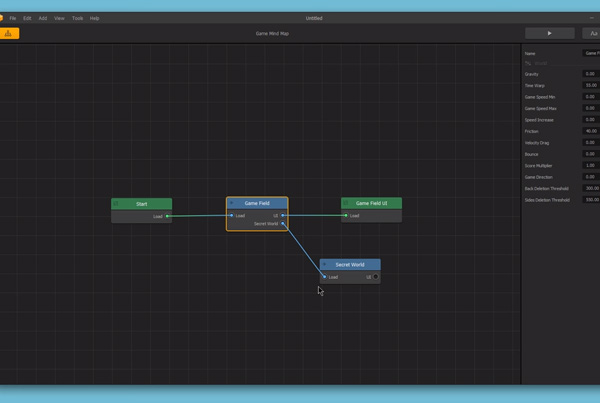
How To Make A Secret World

How To Make Your Character Move in Switch Directions With One Touch

How To Add A Reward Present

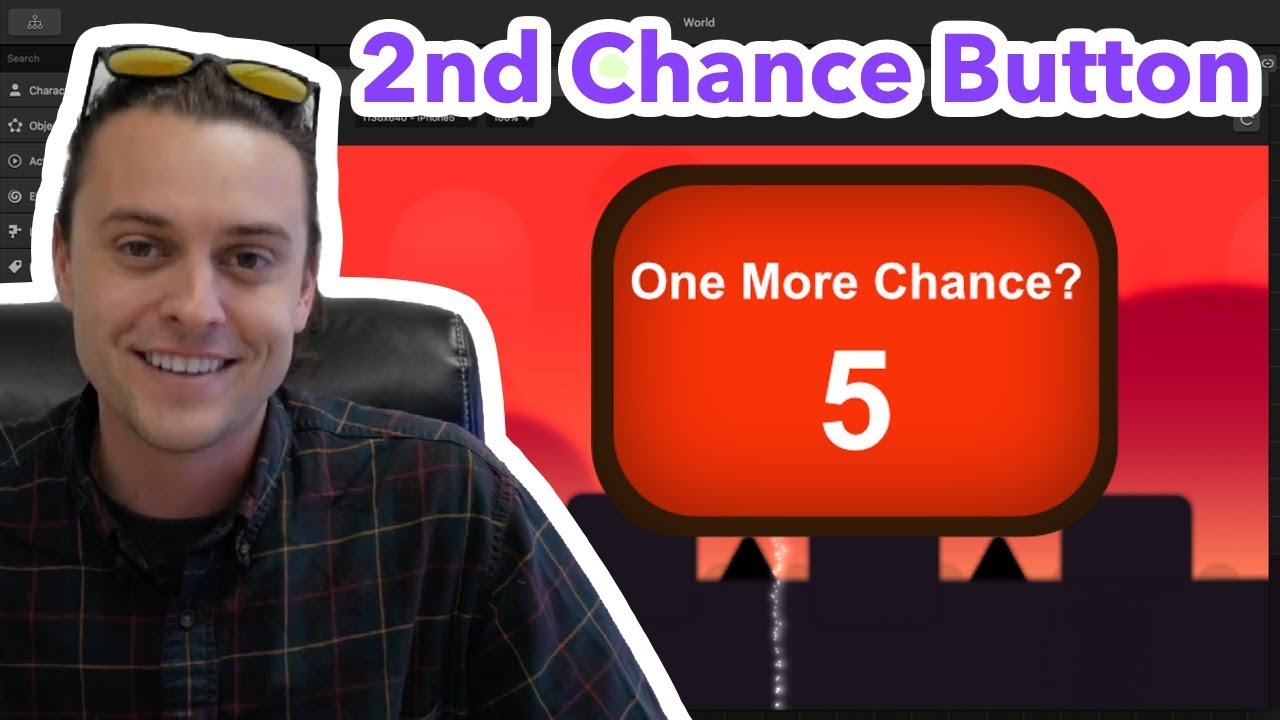
How To Add A 2nd Chance Button To Your Buildbox Game

How To Test Apps On Your iPhone (Xcode Tutorial)

How To Earn Money Making Video Games Using HeyZap Mediation And Admob

Android Studio + Heyzap Mediation With Applovin

How To Test Your Buildbox Games Using Android Studio + Buildbox 2.3

How To Use The Gatekeeper Feature

How To Make A Game With Multiple Games In One

How To Make Character Bullets

How To Make A Health Bar

How To Make A Mario Block Smash

How To Make A 2D Platformer Game

How To Make Money With iPhone Games

Getting Started 1

Getting Started 2

Getting Started 3

Getting Started 4

Getting Started 5

Getting Started 6

How To Make A Swipe Puzzle Mobile Video Game

World Jumper Tutorial

Ring Wall Template Explanation

Rush Ball Template Explanation

Stacker Game Explanation

Lock Button

Menu Jump

Portal and Gatekeeper Logic Piece

Logic Transform

Mirror Effect

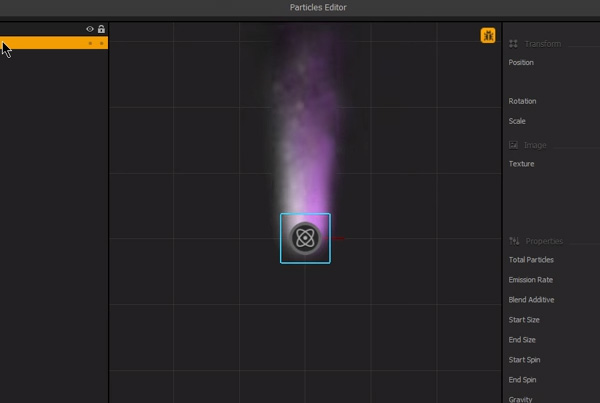
Particle Effect

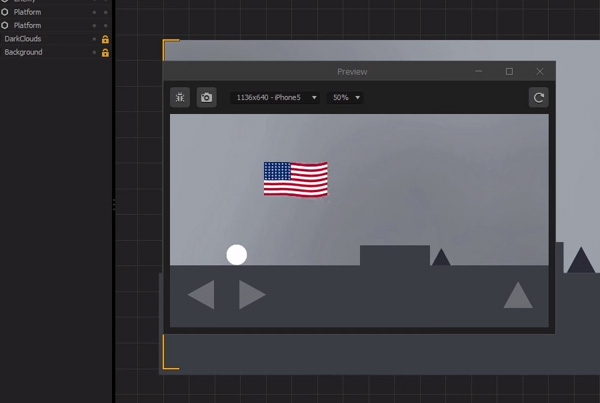
Flag Effect

Trail Effect

Light Effect

Object Components

Character Components

Multiple Character Selector

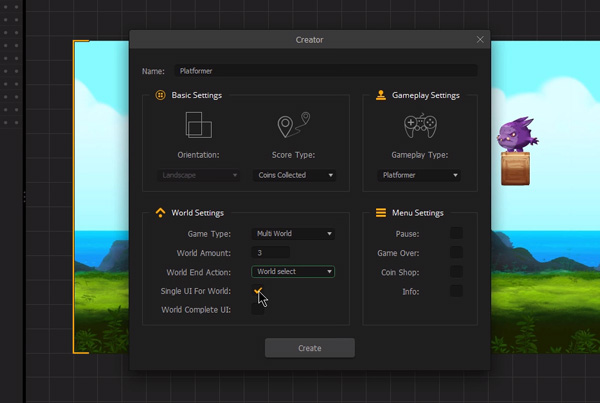
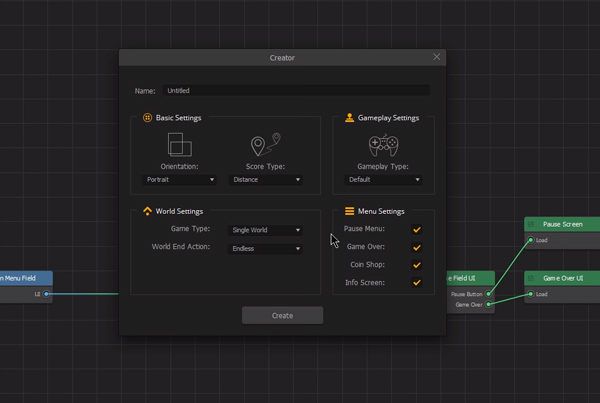
Using Creator

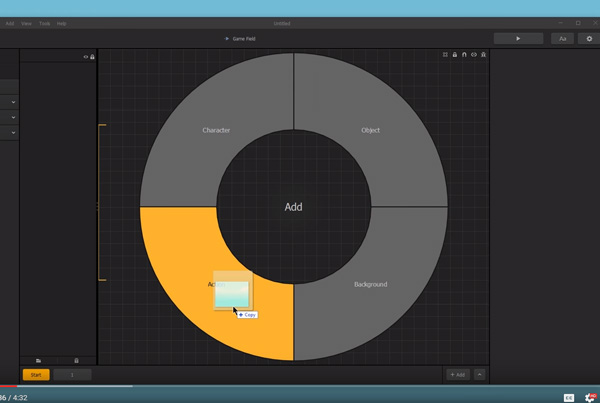
Adding Assets

User Interface

Advanced Character Assets

Asset Bar

Character Assets

Object Assets

Background Assets

Advanced Object Assets

Scene Selection Bar

Power Up Assets

Advanced Power Up Assets

Sub Assets

Sub Asset Options

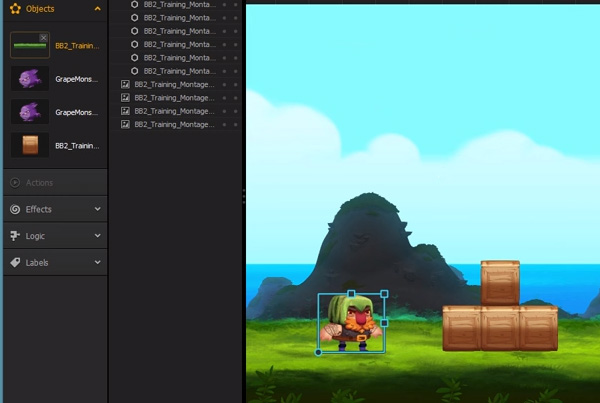
Scene Editor

Advanced Sub Asset Options

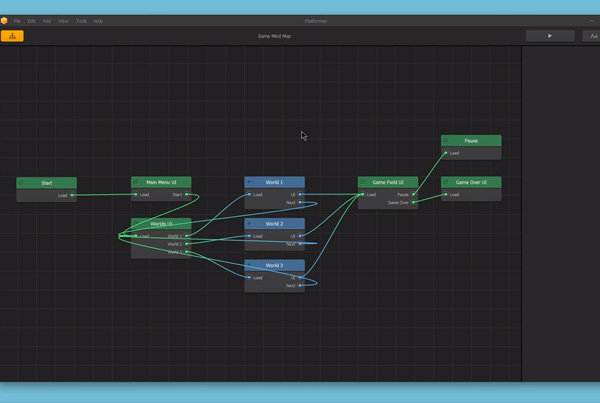
Using Connections

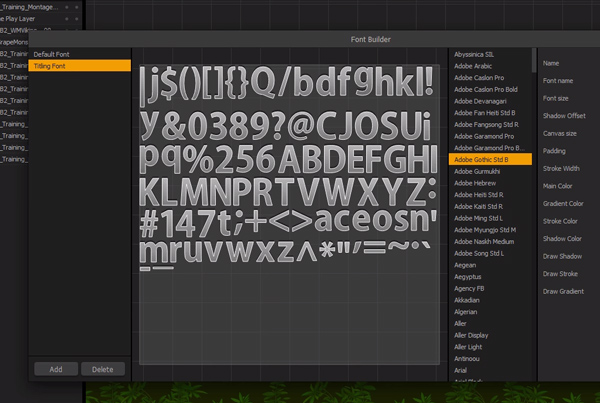
Font Editor

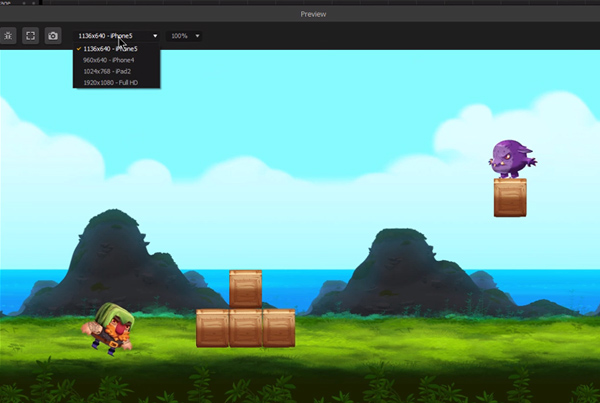
Game Preview

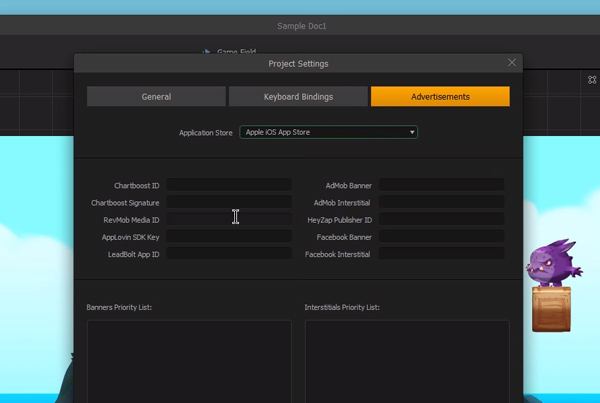
Advertisement Settings